

Sign in to your business dashboard
Your first sign-in and choosing your own password.
Short step-by-step guides for getting set up and using SponsorLink. Can't find what you need? See the FAQ or contact support.
Your first sign-in and choosing your own password.

Link Square, Shopify, Lightspeed or Clover, or scan cards from any phone or tablet.

Drop your store pin and choose how close members are before your offer arrives.

Reach the crowd where it already gathers: a sports ground, a boat ramp, a main road.

Scan the pass, check the member price and confirm the sale.

Member visits, sales, club shares and your monthly statements.

Write an offer and send it to club members near your store.

Send a story and photos for the club newsletter spotlight (Pro Network).

Celebrate a staff member who plays or volunteers in local sport.

Change your card or bank details so your listing stays active.

Signing in as a committee member and what the dashboard shows.

Finish Stripe setup so club shares and referral payments reach your account.
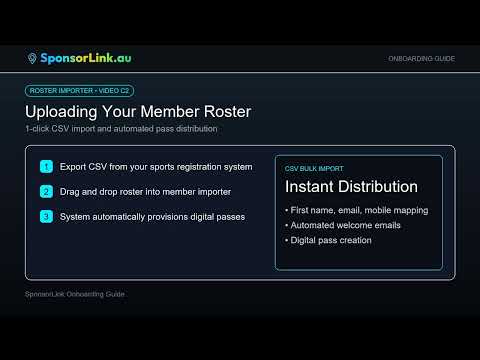
Import your member list and send every member their digital pass.

The member discount, and the club share each business adds on top.
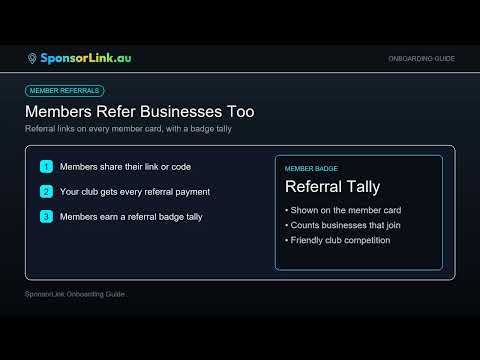
Your club gets a one-off and a monthly payment for every Growth or Pro business it brings in.

Show your partner businesses on your club website, updated automatically.

Where the club share comes from and when it is paid.

Posters and counter cards so new members can sign up on the spot.

Read the payout statement and export a report for the committee.

Send or schedule a match-day SMS to your members.

Signing in for the first time and setting your password.

Add your pass to Apple or Google Wallet and show it at the counter.

Search the directory by category or suburb for member offers near you.

See what you have saved and what your shopping has raised for your club.

Suggest a business you like; your club is paid if it joins on Growth or Pro.

Share SponsorLink with another club you are part of.